
Use this guide to download the latest stable S.A.M operating system image and the USB Writer utility required to create a bootable USB drive.
Before You Begin
You need an authorized S.A.M portal account before you can access the download page.
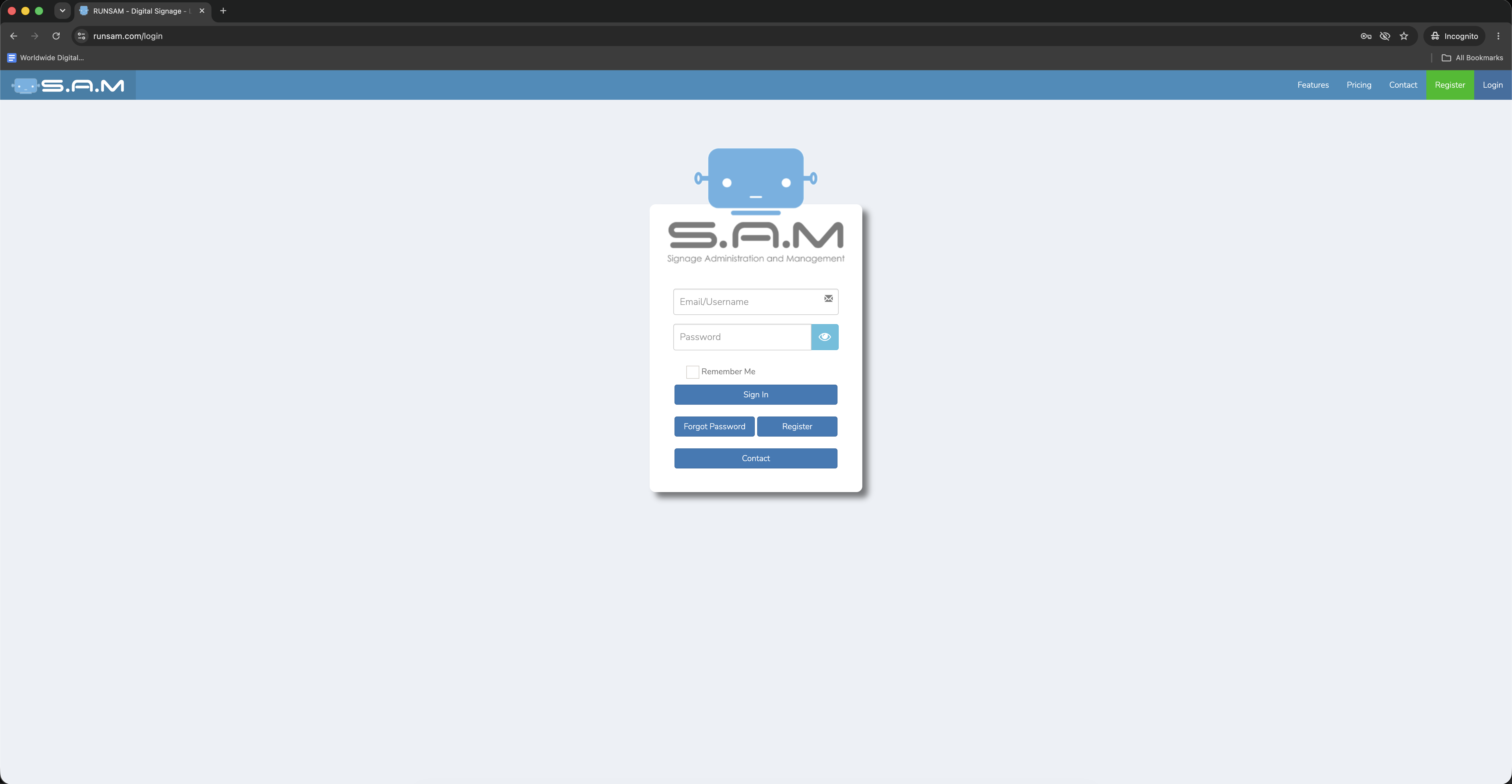
1. Log In to the S.A.M Portal
Go to RunSam.com and sign in with your authorized account credentials.

2. Open the Stable Branch Downloads Page
After logging in, open the Stable Branch downloads page:

3. Download the Latest S.A.M OS Image
Under Intel 64 Bit UEFI (SAMStick), locate the newest available revision and click the linked filename for the latest S.A.M operating system image.
Always download the latest stable release unless your support contact instructs you to use a different version.

4. Open the Download Category Menu
On the Downloads page, click the Show dropdown menu and select Tools.

5. Download USB Writer
On the Tools page, locate USBWriter.exe and click the linked filename to download it.
USB Writer is required to create a bootable USB drive for reinstalling the S.A.M operating system.

6. Confirm the Stable OS Image
Return to the Stable Branch page if needed and confirm that the Intel 64 Bit UEFI (SAMStick) image is the operating system image you downloaded.

Expected Result
You should have both required files downloaded:
- The latest stable S.A.M operating system image.
- The USB Writer utility.
Keep both files available on the computer you will use to create the bootable USB drive.
About EditNew
Editnew Inc. is a technology company specializing in new media, with a focus on digital signage and emergency communication solutions. We help organizations and reseller partners deploy, manage, and support reliable information and notification systems.
Media Contact
Jeremiah Archambault info@editnew.ca +1 250 999 9368